Can ChatGPT Make SVG Files? AI SVG Logos That Work
Can ChatGPT make SVG files? Yes, two ways: writing SVG code, or native SVG output in GPT Image 2.6. We made 9 SVG logos: the prompts, the failures and the fixes.
Yes, ChatGPT can make SVG files, and since November 2026 there are two different ways it happens. The old way is that ChatGPT writes SVG code for you, the same way it writes any other code. The new way is GPT Image 2.6, the image model behind ChatGPT Images 2.6, which can return an SVG file directly as its output format (APIYI docs).
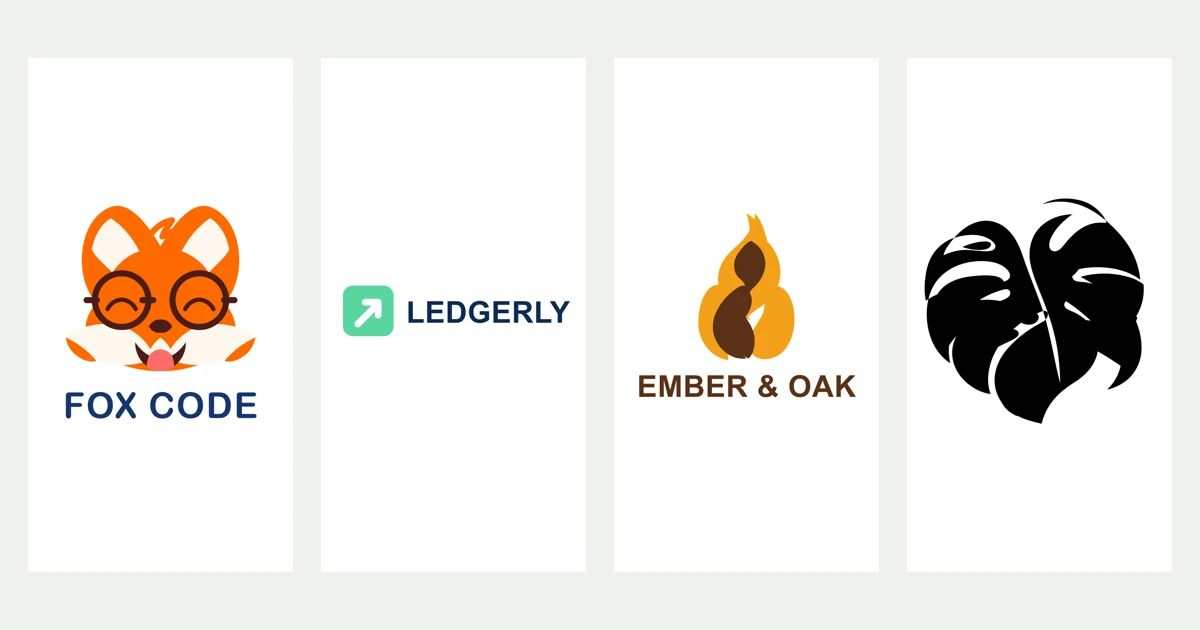
The two give very different results for logos. To find out what the new SVG output is actually good for, we made nine SVG logos with GPT Image 2.6 on Image26. Four came out usable, five didn't, and the difference was almost entirely in the prompt. This post shows both, with every prompt.
Two ways ChatGPT makes an SVG
1. ChatGPT writes the SVG code. Ask "write an SVG of a blue circle with a white star" and you get a block of XML you can paste into a .svg file. This has worked for years. It's fine for simple geometry, but the model is drawing blind: it places shapes by coordinates without seeing the result, so anything organic, like a face, a leaf or a hand-lettered name, usually comes out lopsided.
2. GPT Image 2.6 outputs SVG. Here the model first draws the picture as a normal image, then a text model rewrites that picture as vector code (APIYI docs). Because it starts from a real image, shapes are much closer to what you described. The result is a static SVG: shapes, paths, colors and text, with no scripts, no linked files and no embedded bitmap.
OpenAI hasn't said whether the ChatGPT app itself offers SVG output. GIFs were announced for ChatGPT; SVG is documented only for the API so far. If you ask ChatGPT for an SVG today, you will most likely get method 1. To get method 2 you need a tool built on the GPT Image 2.6 API, such as Image26.
How to make an SVG logo with GPT Image 2.6
- Open Image26 and keep GPT Image 2.6 selected.
- Open the settings next to the model and set Output to SVG. Pick an aspect ratio: 1:1 for a logo mark, 16:9 for a horizontal wordmark.
- Write the prompt (the rules below matter more than anything else) and press Generate.
- Download the
.svgand open it in Figma, Illustrator, Inkscape or a browser.
At the default setting (Medium, 1K) an SVG costs 14 credits, 4 more than a still image. Our runs took 16 to 42 seconds on Fast and 102 seconds on Thinking. On a busy afternoon, one batch sat in the queue for over five minutes, so don't panic if it's slow.
SVG works from a text prompt only. If you attach a reference photo, you get a normal still image back; the API doesn't accept SVG output on edits (APIYI docs).
What went wrong in our first five logos
Our first batch used the kind of prompts people write for a logo designer: a lowercase wordmark, a script decal, a line-art monogram, a badge, a mascot with soft shading. Most of them failed in ways worth knowing about.
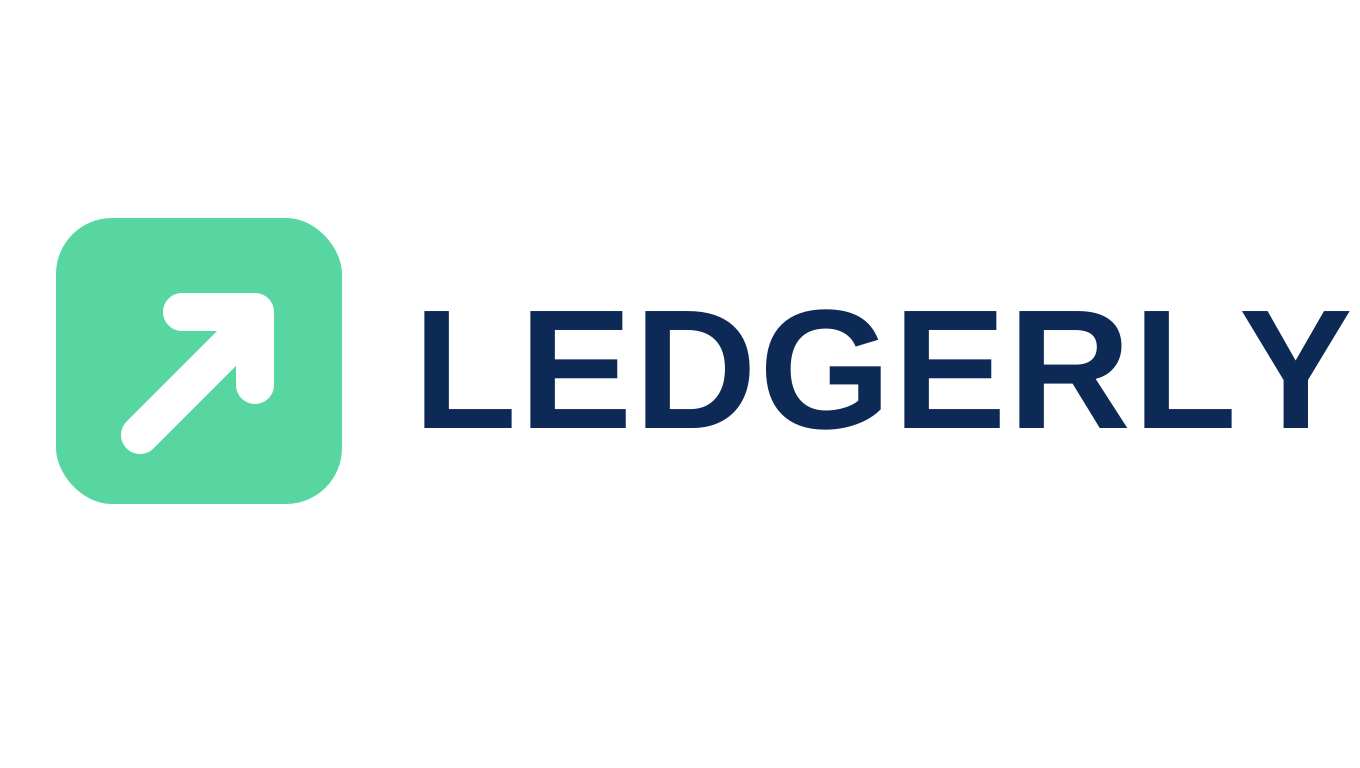
The wordmark is the clearest example. We asked for "ledgerly" in lowercase geometric letters with a green square for the dot of the i. The model traced each letter as a shape, and the letters came out scrambled:
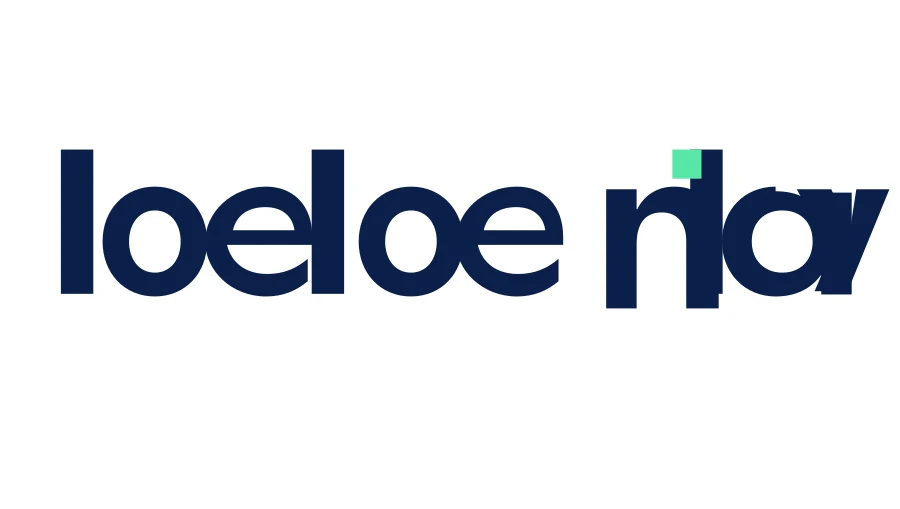
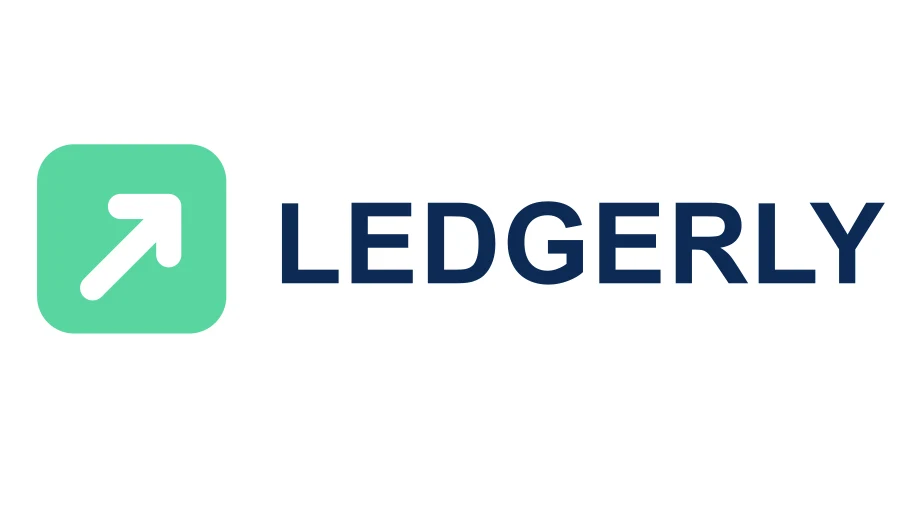
The rewritten version on the right is a 761-byte file. Here it is, trimmed slightly to fit:
<svg xmlns="http://www.w3.org/2000/svg" viewBox="0 0 1360 768">
  <rect width="1360" height="768" fill="#ffffff" />
  <g transform="translate(56,218)">
    <rect width="286" height="286" rx="56" fill="#58d6a1" />
    <path d="M84 217 L183 118" stroke="#ffffff" stroke-width="38" stroke-linecap="round" />
    <path d="M126 94 H199 V167" fill="none" stroke="#ffffff" stroke-width="38" stroke-linecap="round" />
  </g>
  <text x="413" y="428" fill="#0c2a55" font-family="Arial, Helvetica, sans-serif"
        font-size="170" font-weight="700">LEDGERLY</text>
</svg>
That <text> element is the key. When the name is plain bold uppercase, GPT Image 2.6 writes it as real text in a standard font, so it's spelled right and you can still edit it. When the lettering is custom (lowercase geometric, script, hand-drawn), it tries to trace the shapes, and that is where it breaks.
The mascot shows the second lesson. We asked for "detailed fur with soft shading and highlights". The SVG faked the shading with gradients, added a dark background we didn't ask for, and printed the name twice, the second copy running off the edge. Asking for flat shapes and switching to the Thinking model fixed all three:
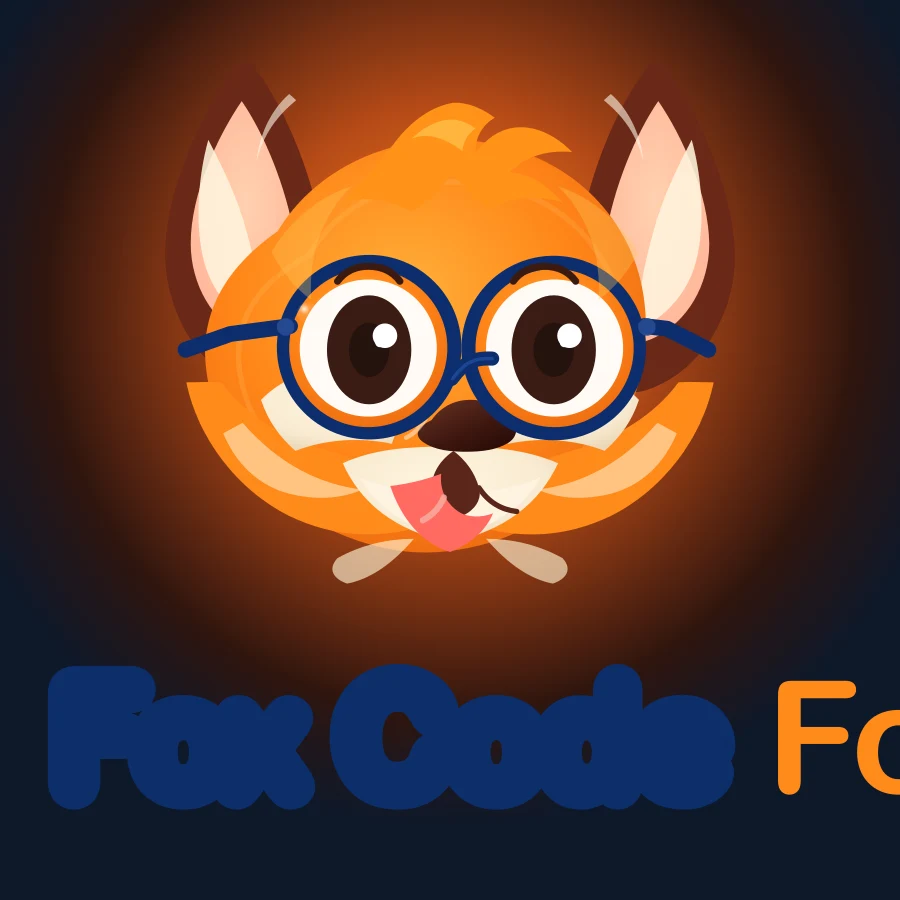

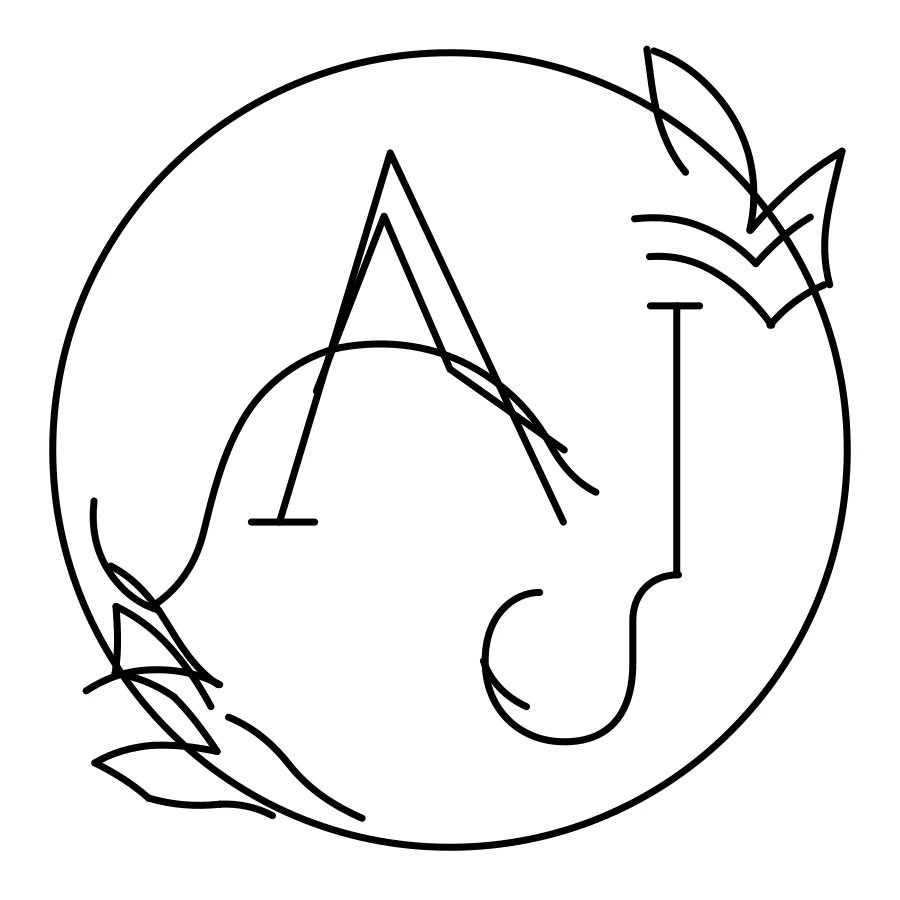
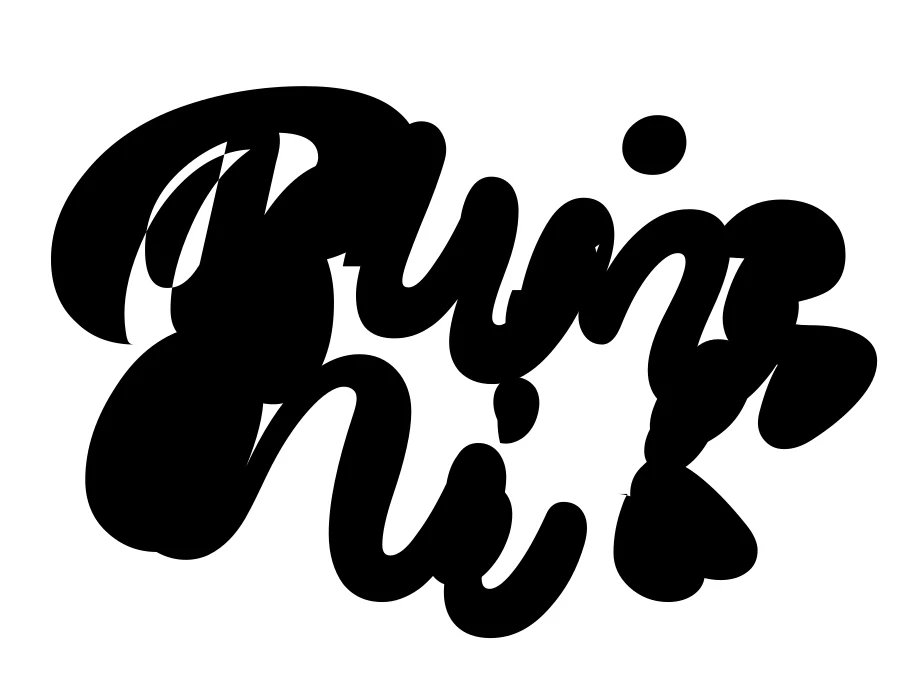
The coffee badge drew its bean as something closer to a snowman, on a brown background we hadn't asked for. The other two failures were thin lines and scripts. A wedding monogram in "even stroke width" line art came out as loose, disconnected strokes. A "Plant Mom" script decal for a cutting machine turned into an unreadable black blob:
Prompt rules for SVG logos
What made the difference between the two batches:
- Flat shapes, two or three colors, and say "no gradients". A vector file is made of solid shapes. Shading, glow and texture get approximated with gradients and look muddy.
- Names in bold uppercase sans-serif, in quotes. This is what gets you a clean, editable
<text>element. Leave custom lettering for a designer, or for a still image, where GPT Image 2.6 renders text very well. - Fill, don't outline. Solid filled shapes survive; thin strokes and line art come apart.
- One simple mark. A bean, an arrow in a square, a fox head. Busy scenes with many small objects end up as dozens of shapes nobody wants to edit.
- Ask for a "plain white background". Even then, one of our logos came back on a dark gradient. Check before you download.
- Use Thinking for characters. The fox on Thinking took 102 seconds instead of about 20, and it was the best file of the nine.
The four prompts that worked
Flat vector logo for a budgeting app: a mint-green rounded square icon with a white upward arrow, and to its right the name "LEDGERLY" in a bold uppercase sans-serif, dark navy. No tagline, no gradients, plain white background.
Try this prompt
Flat vector mascot logo for a kids' coding school: a cheerful fox head wearing round glasses, made of simple flat shapes in orange, white and dark brown, no gradients. Below it the name "FOX CODE" in a bold rounded sans-serif, navy. Plain white background.
Try this prompt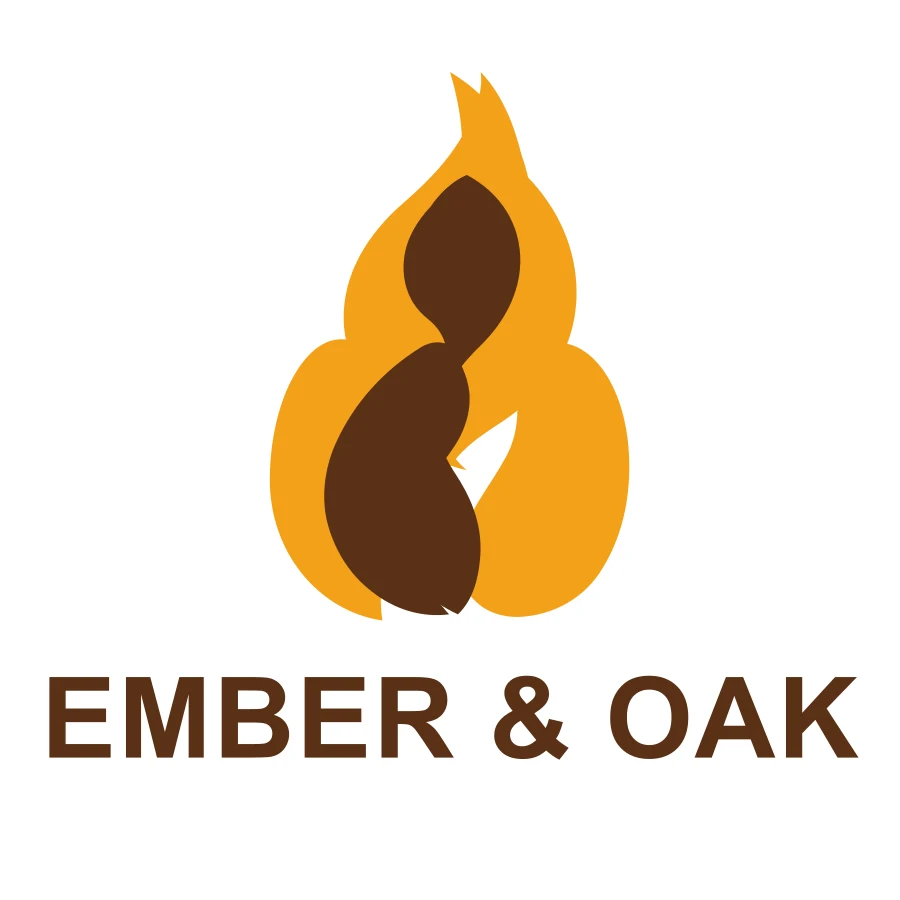
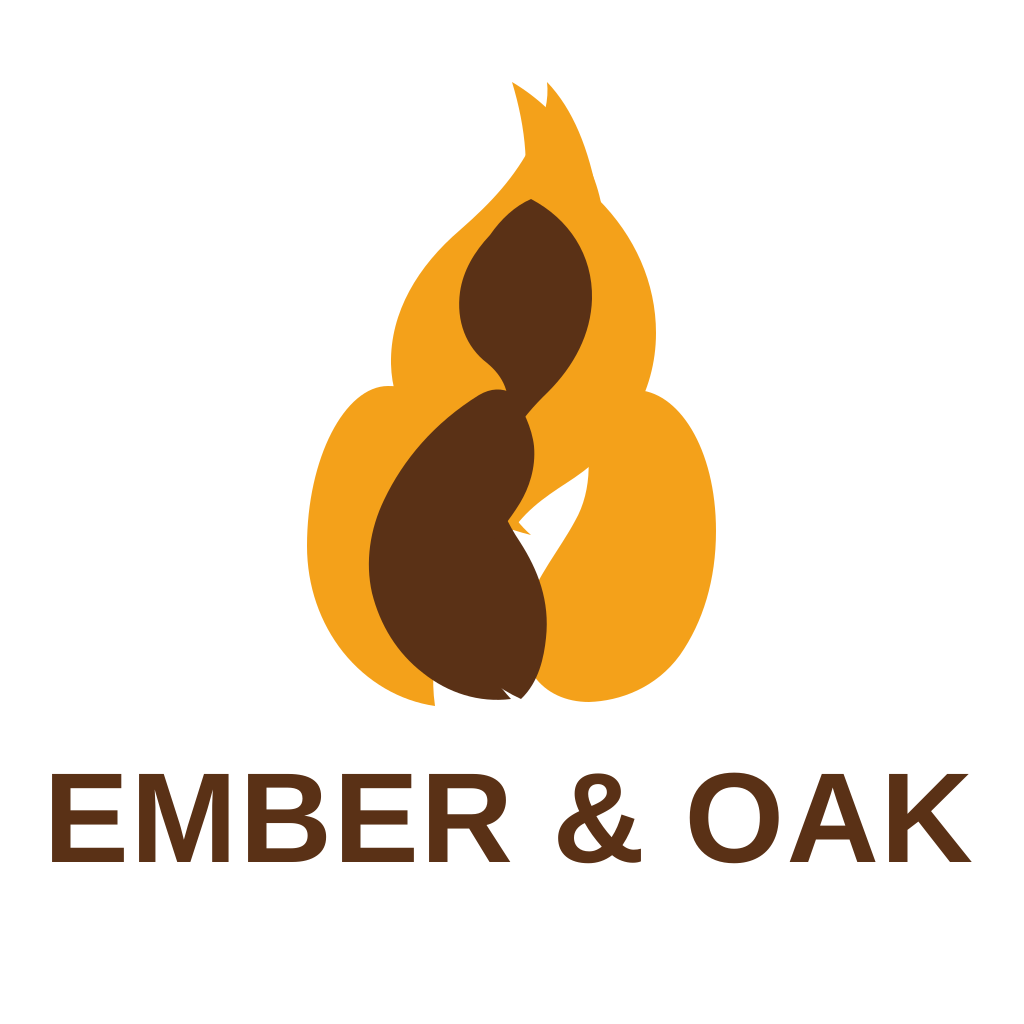
Flat vector logo for a coffee roaster: a simple coffee bean icon made of two rounded halves with a small flame above it, in amber. Below it the name "EMBER & OAK" in a bold uppercase sans-serif, espresso brown. Two colors, no gradients, plain white background.
Try this promptThe coffee logo isn't perfect: the bean and the flame merged into one shape rather than sitting one above the other. It's still a clean two-color file you could refine in a few minutes.
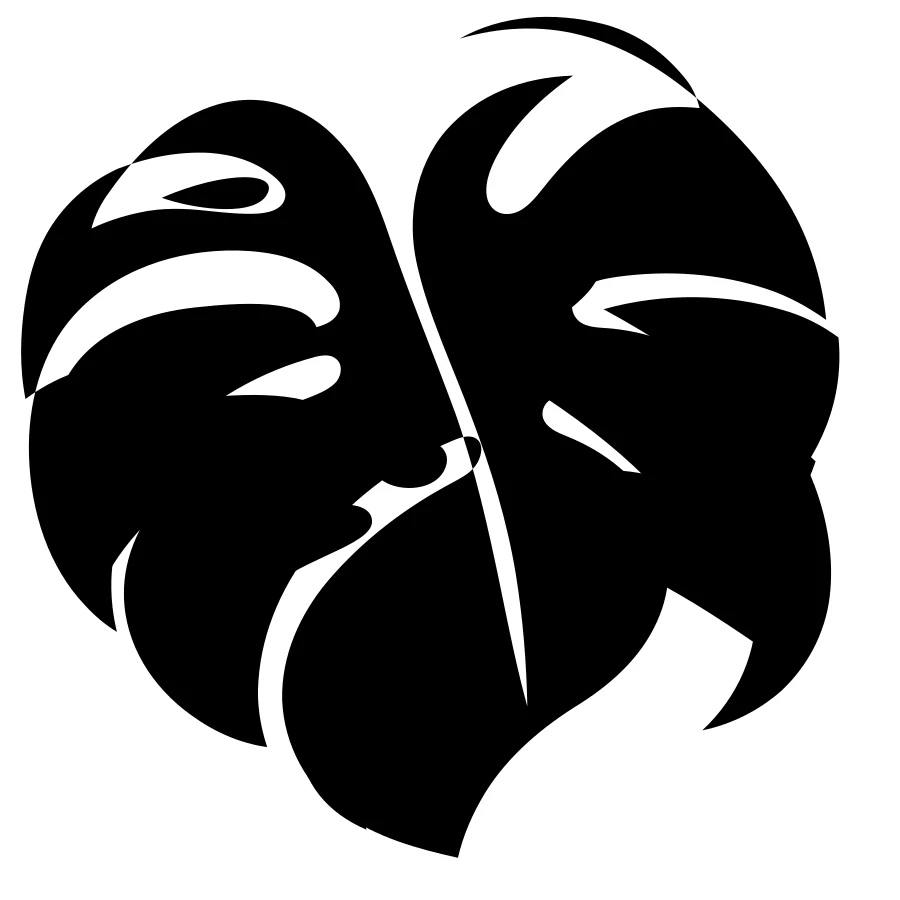
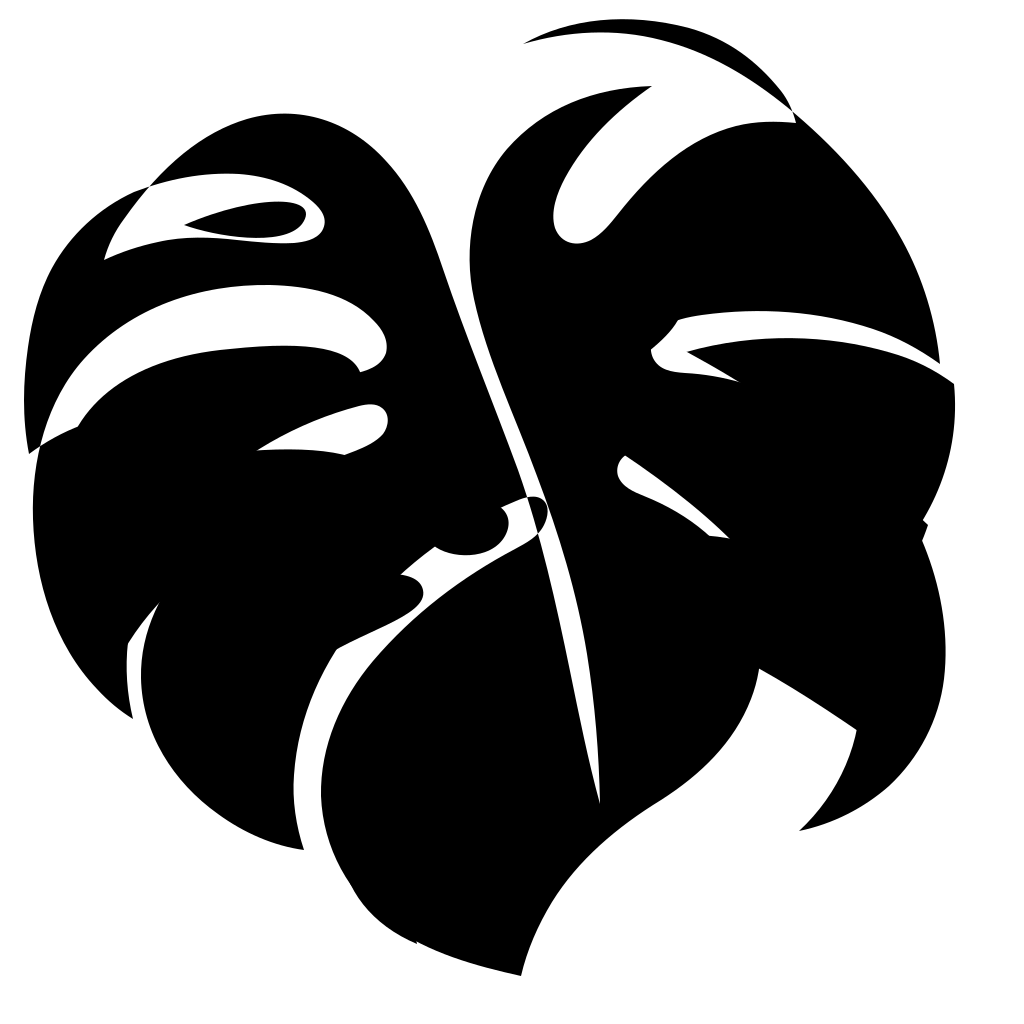
Single-color vinyl cut file: a monstera leaf silhouette with its natural splits and holes, solid black filled shape only, no outlines, no gradients, no text, plain white background.
Try this promptYou can download the four SVG files as they came out of the model: LEDGERLY, FOX CODE, EMBER & OAK, monstera.

Before you use the file
- Delete the background. Every file we got starts with a white
<rect>covering the whole canvas. Remove that line (or the layer in your editor) for a transparent logo. - Convert text to outlines before sending it anywhere. The name is live text in Arial or Helvetica, so it shows in whatever similar font the viewer's computer has. Before you send a logo to a printer or a cutting machine, convert the text to shapes: Object to Path in Inkscape, Create Outlines in Illustrator, Outline stroke / Flatten in Figma.
- For cutting machines, check that the design is one solid shape with no stray specks. Our monstera leaf had a few small fragments near the stem, which a vinyl cutter will try to cut.
- Trademarks are on you. An AI-generated logo can look like an existing one. Search before you print it on anything.
FAQ
Can ChatGPT create SVG files? Yes. Ask it to write SVG code and it will. For logos with organic shapes or characters, the native SVG output of GPT Image 2.6 gives far better results, because it draws the picture first and then converts it to vectors.
Is the SVG a real vector or a picture inside an SVG? A real vector. GPT Image 2.6 returns paths, shapes and text, without embedded bitmaps, so it scales to any size and you can change colors and shapes in an editor.
Can I make an SVG from my own logo or photo? Not with GPT Image 2.6. SVG output only works from a text prompt; with a reference image you get a still image. To vectorize an existing logo, use a tracing tool such as Inkscape's Trace Bitmap.
Can I use these SVGs with Cricut or Silhouette? Yes, if you prompt for a single solid color and filled shapes, as in the monstera prompt above. Convert any text to outlines first and remove the background rectangle.
How much does an SVG cost? On Image26 an SVG is 14 credits at the default setting, 4 more than a still image, because a second model writes the vector code. A logo mark rarely needs more than the default.
Want to try it? Open Image26, set Output to SVG and start from one of the prompts above. The gallery also has an SVG icon set and an outdoor brand logo with their exact prompts. If you're curious about the other new output format, read Can ChatGPT Make GIFs?.